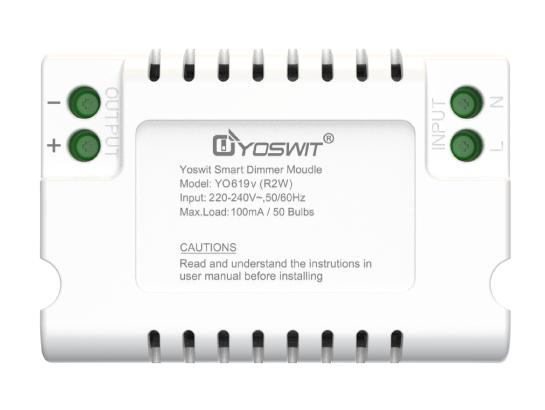
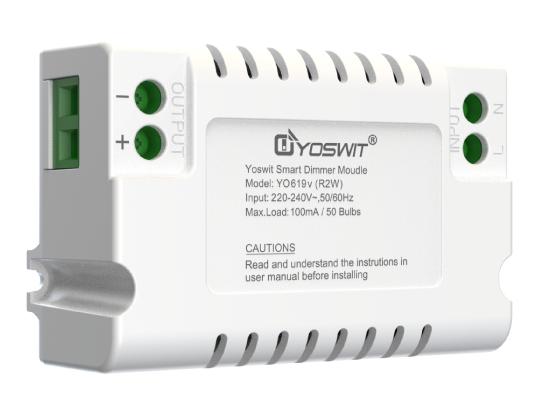
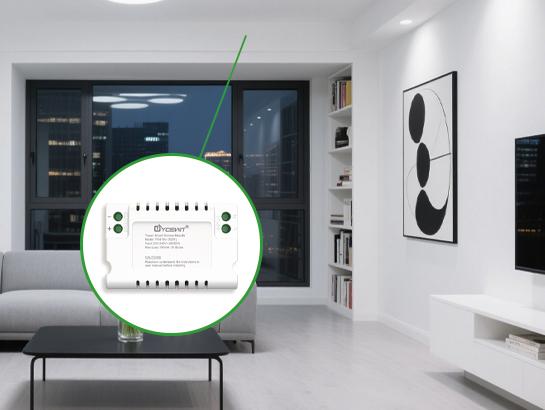
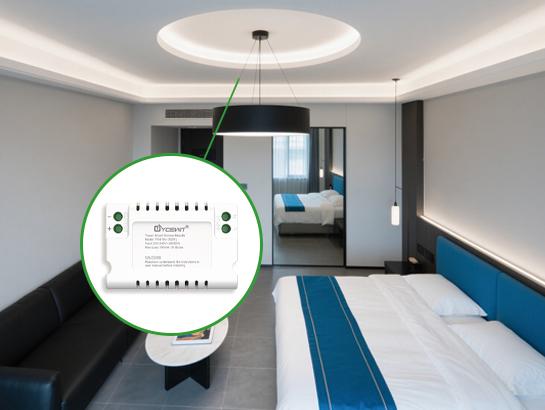
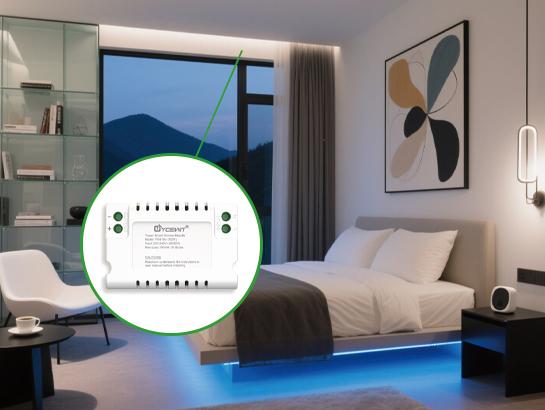
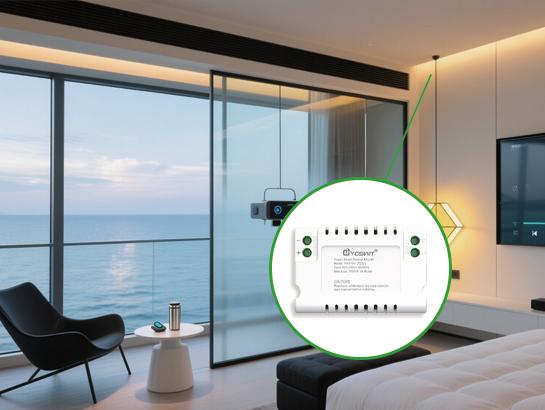
Smart 0-10V Dimmer Switch Module
Product Code: YO619v (R2W)
Features:
- No Switch Box Dependency
- 0/1-10V Dimming Design for Precise Lighting Control
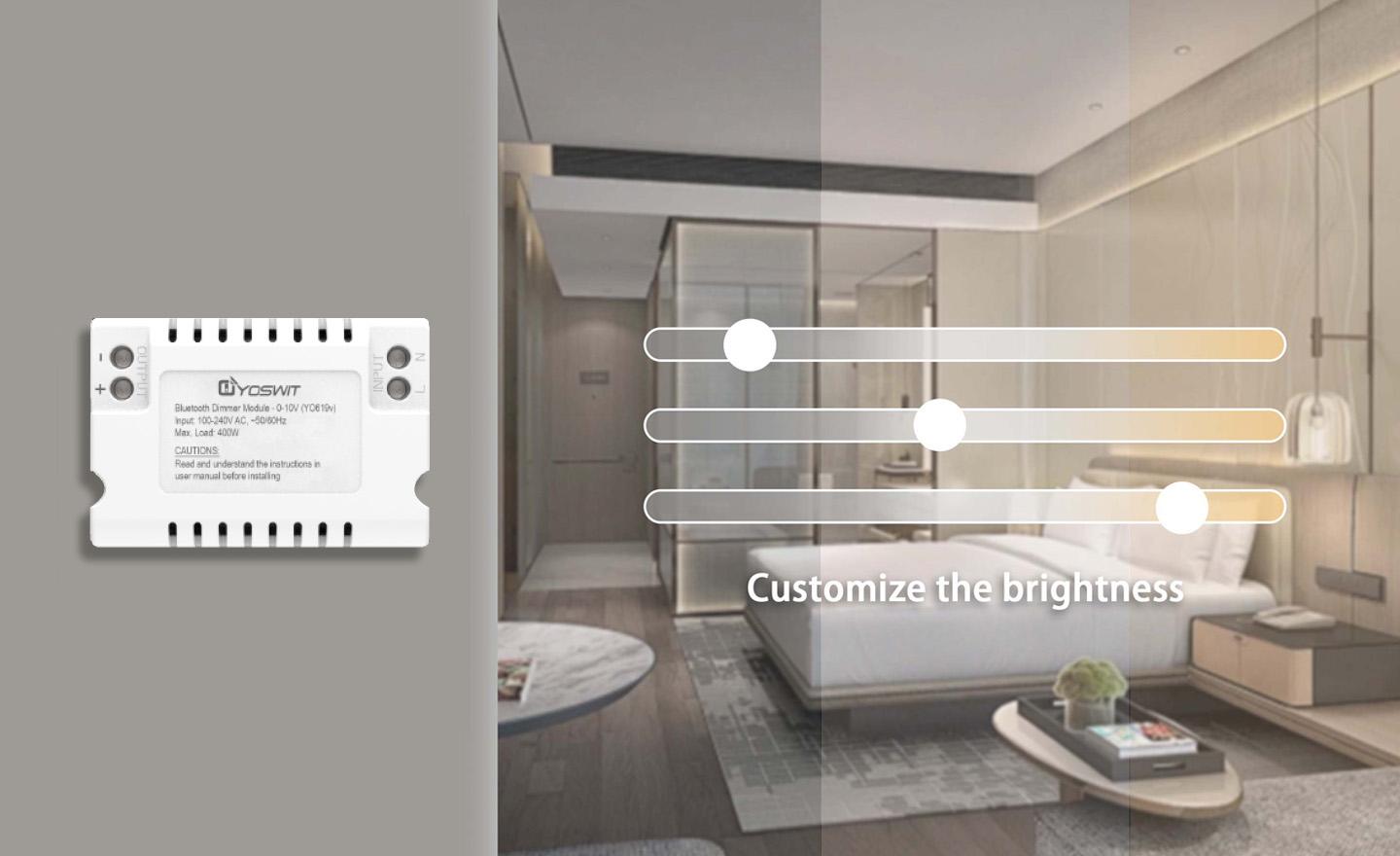
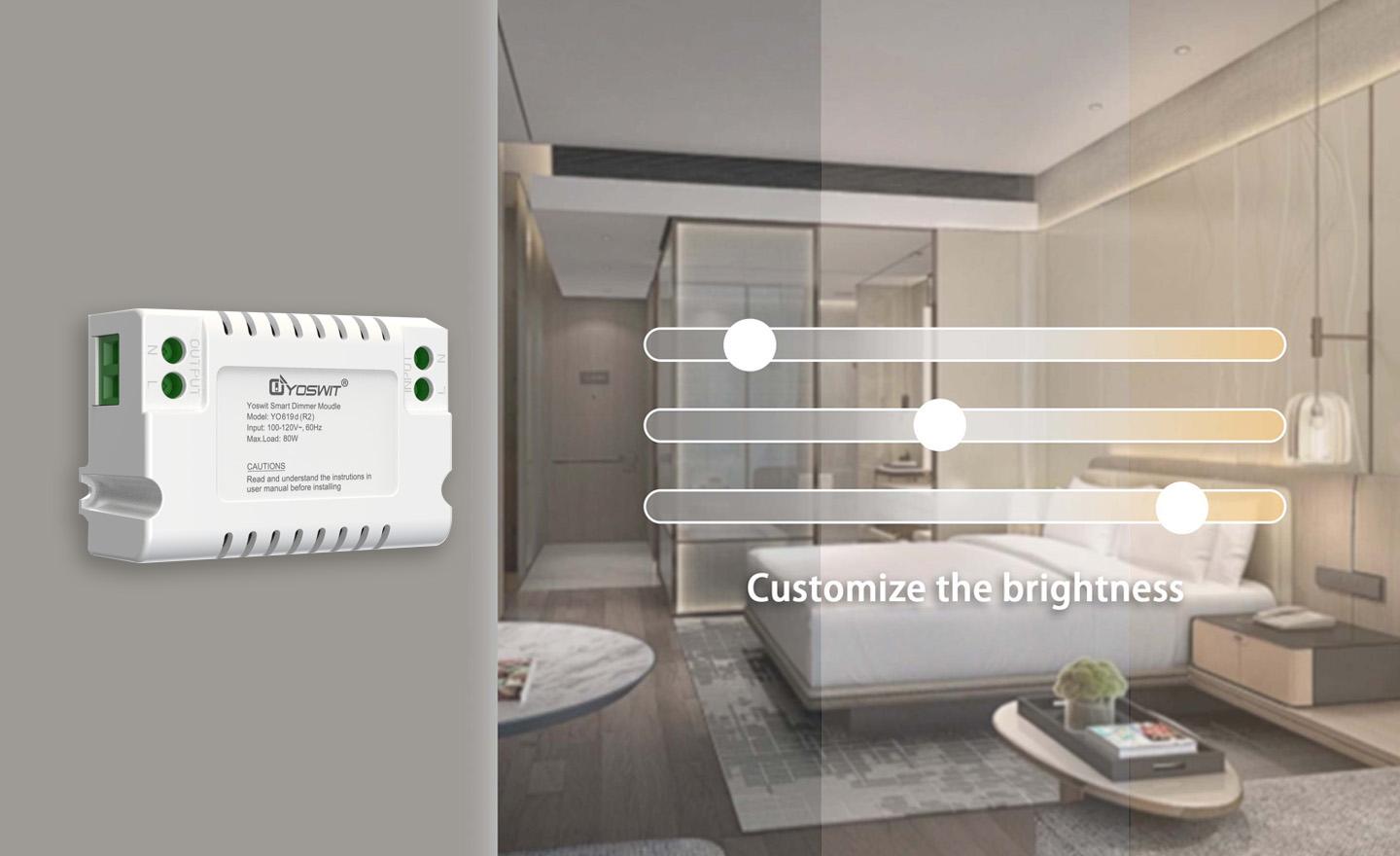
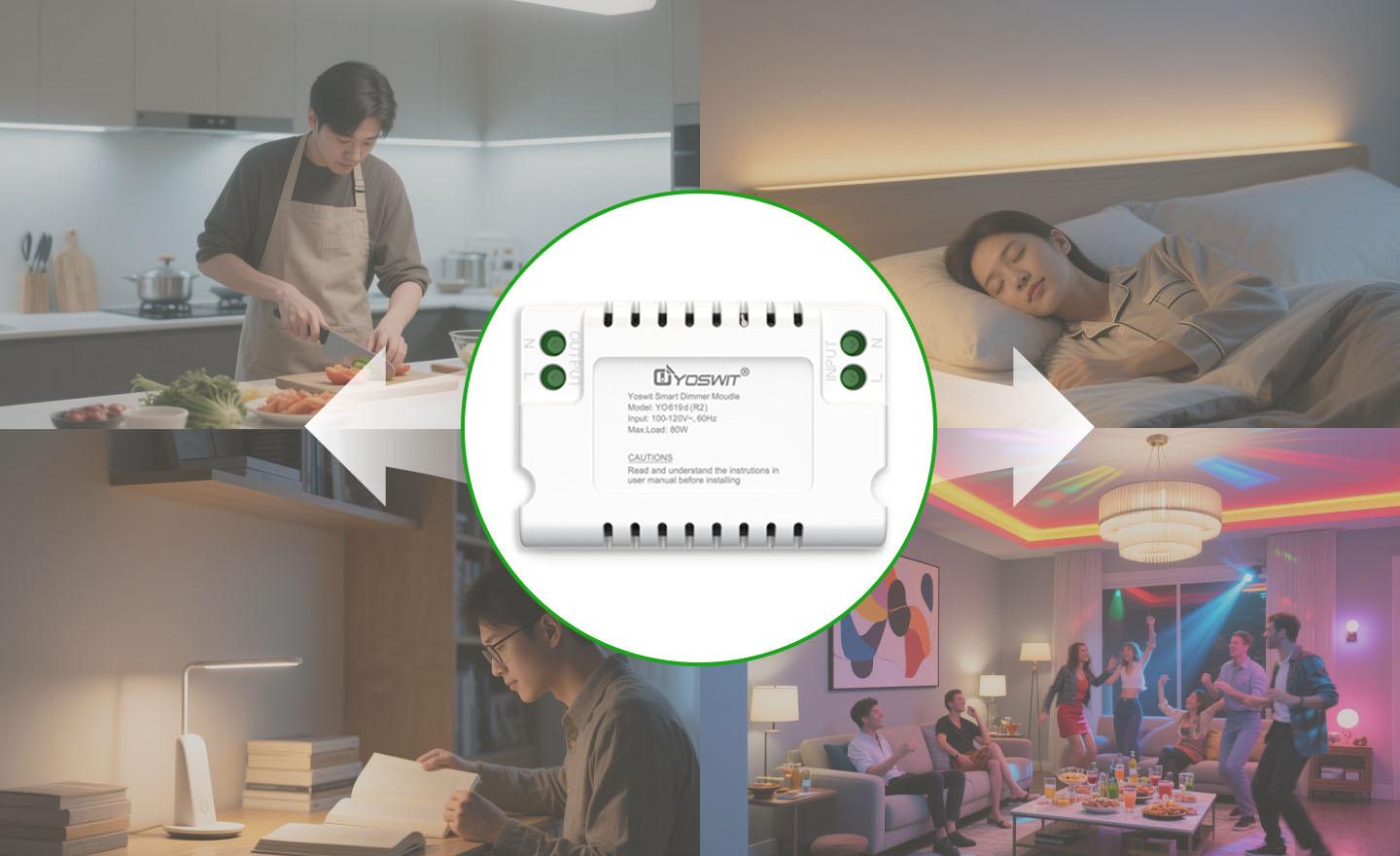
- Brightness Adjustment for Customized Lighting Levels
- Scene Modes for Setting Different Lighting Scenarios
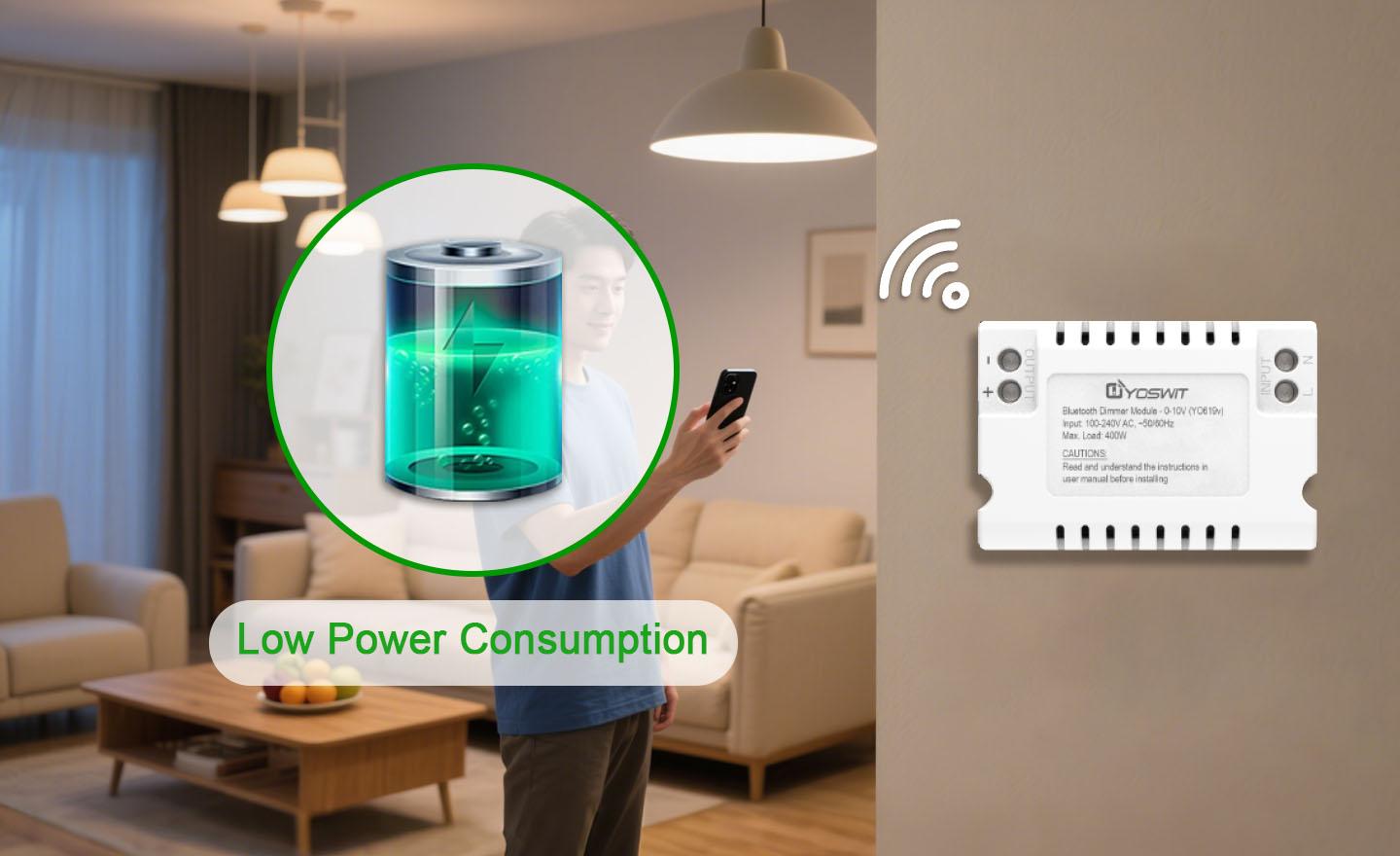
- Low Power Consumption
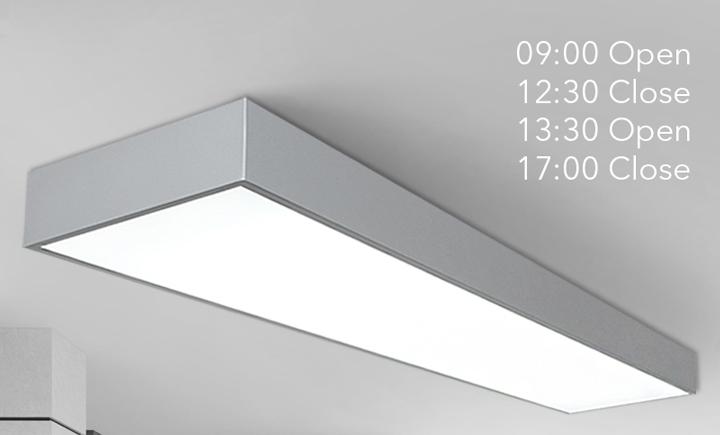
- Built-in Timer for Automation
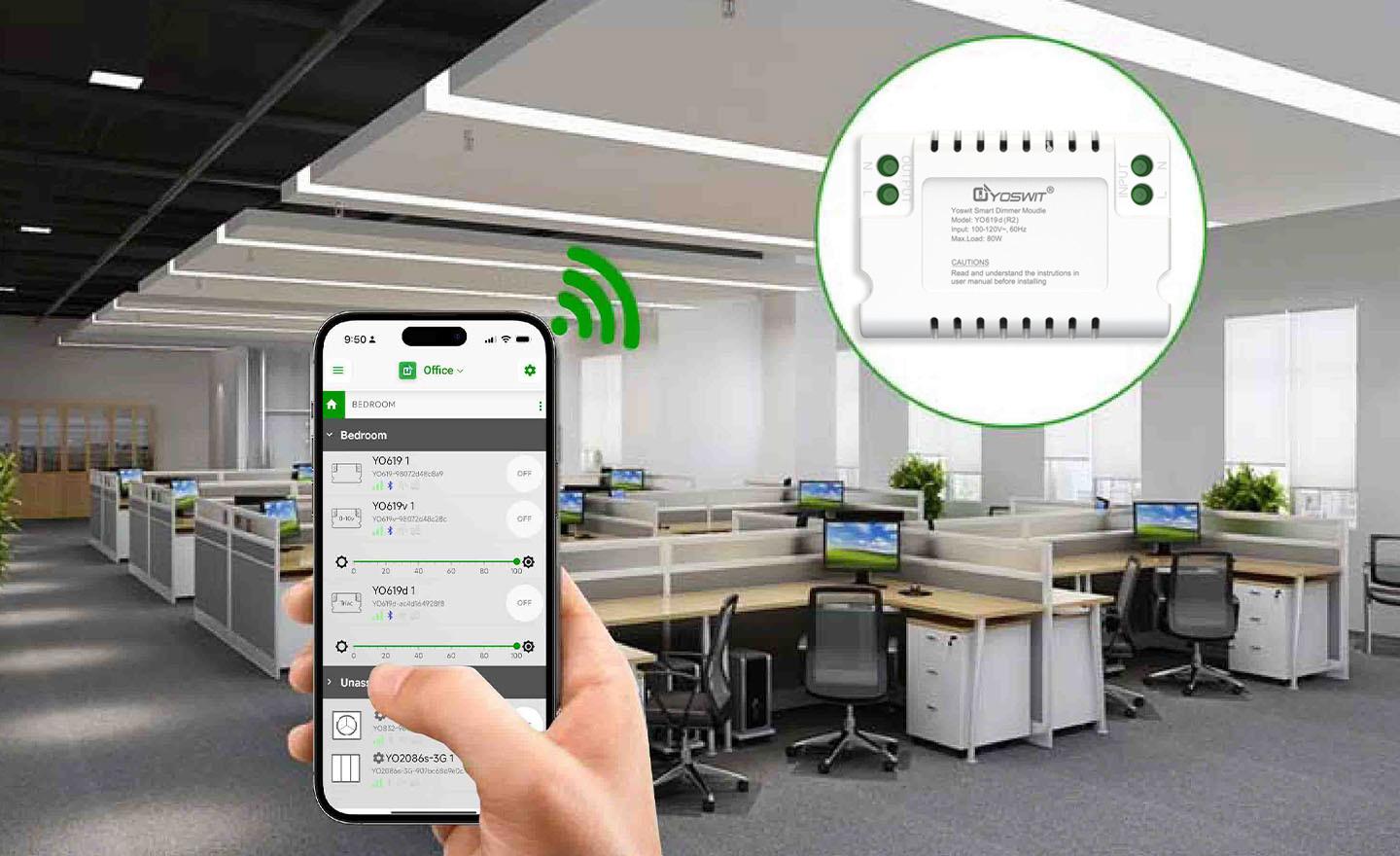
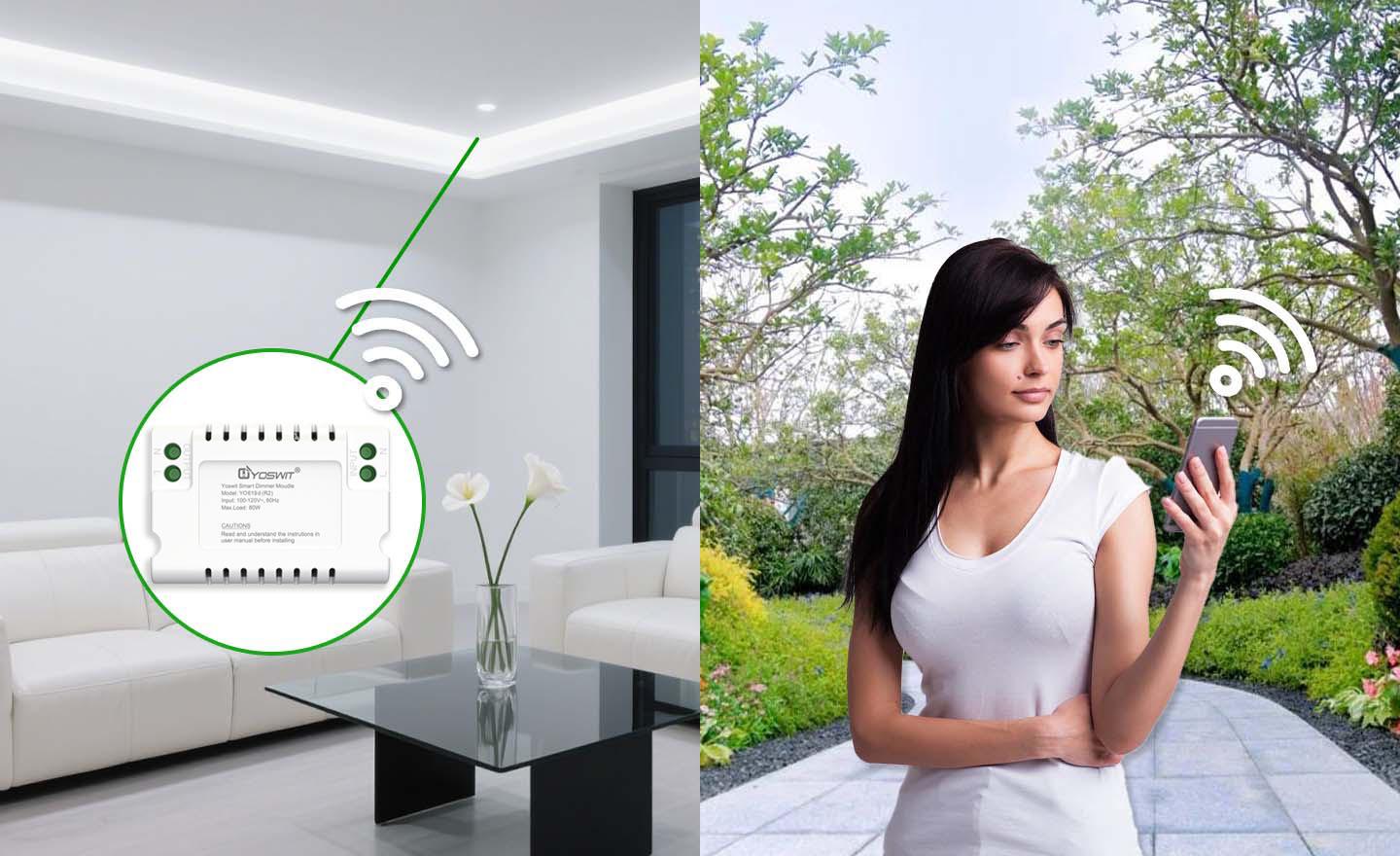
- Outdoor Remote Control via Yoswit App

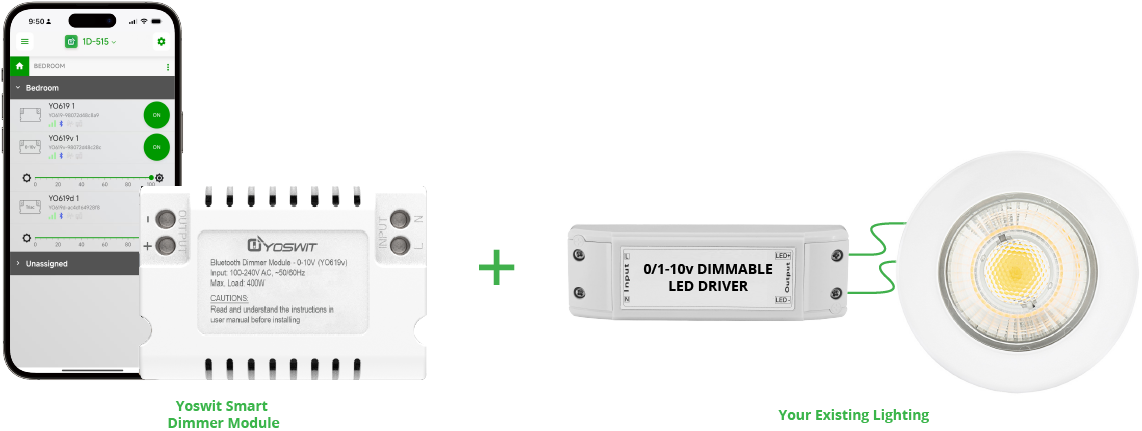
How the Yoswit Smart Dimmer Module Works
Features
Comparison

Yoswit Smart Dimmer Module
|

Schneider
(ULTI Ezinstall3) |

Legrand
(Arteor/Adorne/Radiant) |

Leviton
(Decora) |

LUTRON
(Caseta) |
|
|---|---|---|---|---|---|
| No Hub / Router | |||||
| No Setup | |||||
| No Pairing | |||||
| 0-10V Dimmer Module | |||||
| 0/1-10V Compatible | |||||
| Built-In Timer | |||||
| Technology | Bluetooth | Zigbee / RF |
Yoswit Smart Switch
- No Hub / Router:
- No Setup:
- No Pairing:
- 0-10V Dimmer Module:
- 0/1-10V Compatible:
- Built-In Timer:
- Technology: Bluetooth
Schneider
(ULTI Ezinstall3)
(ULTI Ezinstall3)
- No Hub / Router:
- No Setup:
- No Pairing:
- 0-10V Dimmer Module:
- 0/1-10V Compatible:
- Built-In Timer:
- Technology:
Legrand
(Arteor/Adorne/Radiant)
(Arteor/Adorne/Radiant)
- No Hub / Router:
- No Setup:
- No Pairing:
- 0-10V Dimmer Module:
- 0/1-10V Compatible:
- Built-In Timer:
- Technology: Zigbee / RF
Leviton
(Decora)
(Decora)
- No Hub / Router:
- No Setup:
- No Pairing:
- 0-10V Dimmer Module:
- 0/1-10V Compatible:
- Built-In Timer:
- Technology:
LUTRON
(Caseta)
(Caseta)
- No Hub / Router:
- No Setup:
- No Pairing:
- 0-10V Dimmer Module:
- 0/1-10V Compatible:
- Built-In Timer:
- Technology:
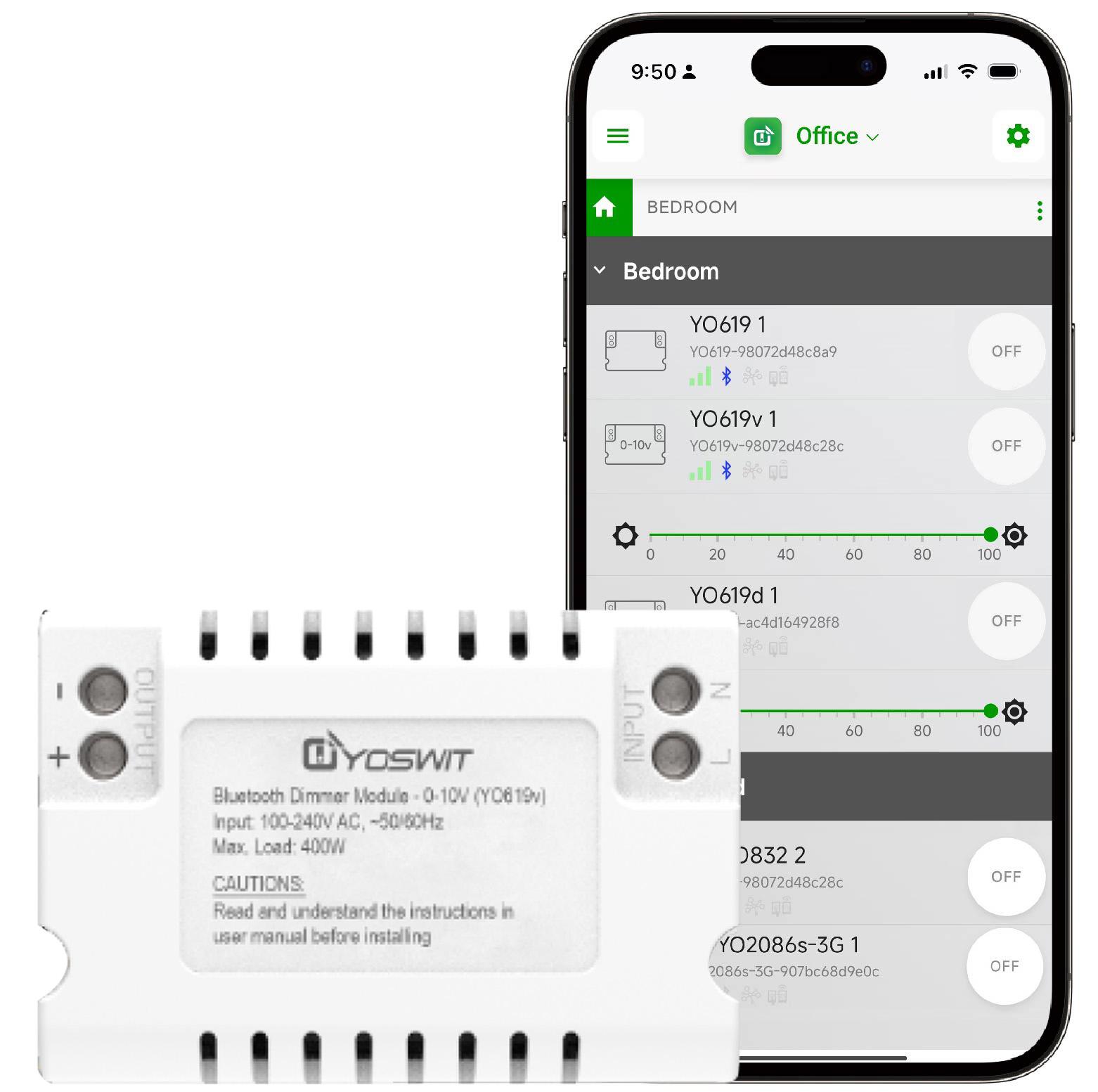
Run Your Home from Your Phone

Mobile as Hub

Voice Control

Mesh-like Network

Remote Control

Rooms and Scenes

Away Detection

Schedule Timers

Password Protection

IFTTT
Bluetooth Version
We use Bluetooth 4.2 (also sometimes referred to as Bluetooth Low Energy or BLE) as the core processor of our products.
Compatible Devices
We support all Smart Ready products with our application installed. Please click here to get the growing list.
iOS Support
We support iOS 13.0 or later.
Android Support
We support Android 7 or later.
| General | ||
| Product Name |
Smart 0-10V Dimmer Switch Module
|
|
| Model |
YO619v (R2W)
|
|
| EAN / UPC |
EAN: 0765756498180 / UPC: 765756498180
|
|
| Revision |
V1.0
|
|
| Compliance |
CE, FCC, RoHS
|
|
| Manufacturer |
Designed by Yoswit in Hong Kong, China / Assembled in Guangdong, China
|
|
| Dimensions | ||
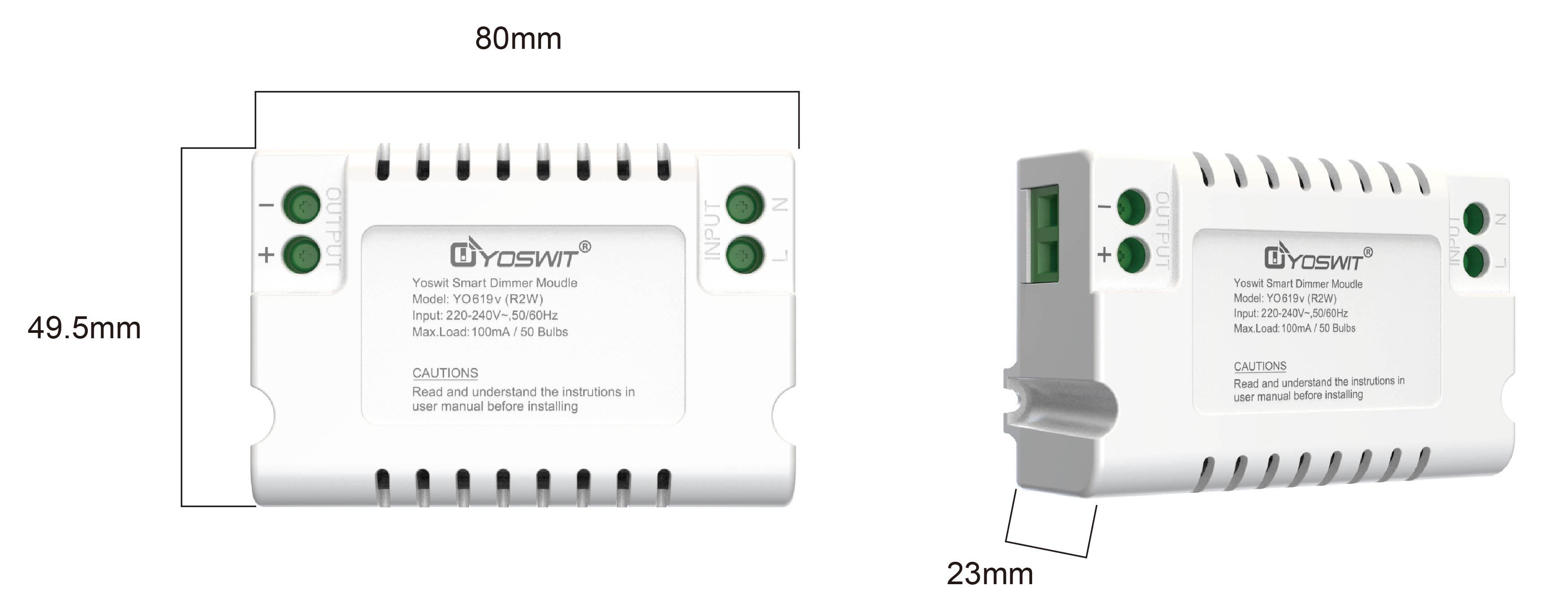
| Product Size |
|
|
| mechanical | ||
| Storage Conditions |
-20°C to 60°C
|
|
| Operation |
APP
|
|
| Operating Temperature |
-10°C to 50°C
|
|
| Operating Humidity |
0-90% RH, Non-Condensing
|
|
| Electrical | ||
| Input Voltage |
100-240V AC (50/60Hz)
|
|
| Frequency |
60/50Hz Auto Detected at Power-up
|
|
| Resistive Load Current |
Max. 400W
|
|
| Inductive Load Current |
Max. 400W
|
|
| Standby Power |
<0.1W
|
|
| Wireless | ||
| Frequency |
2.4GHz
|
|
| Connection |
Wifi 2.4G / BLE 4.2
|
|
| Range |
Open area: >50m / Interior: 3-20m
|
|
Disconnect Power
-
Check the label and ensure the transformer has the proper input voltage and wattage for the job. Check the wire markings to ensure they match the wiring diagram on this installation guide.
Basic Installation
1
Select a suitable location capable of supporting the weight of the transformer. Use the two keyholes in the transformer case. It is recommended that the transformer be mounted vertically with the wiring compartment pointing down.
2
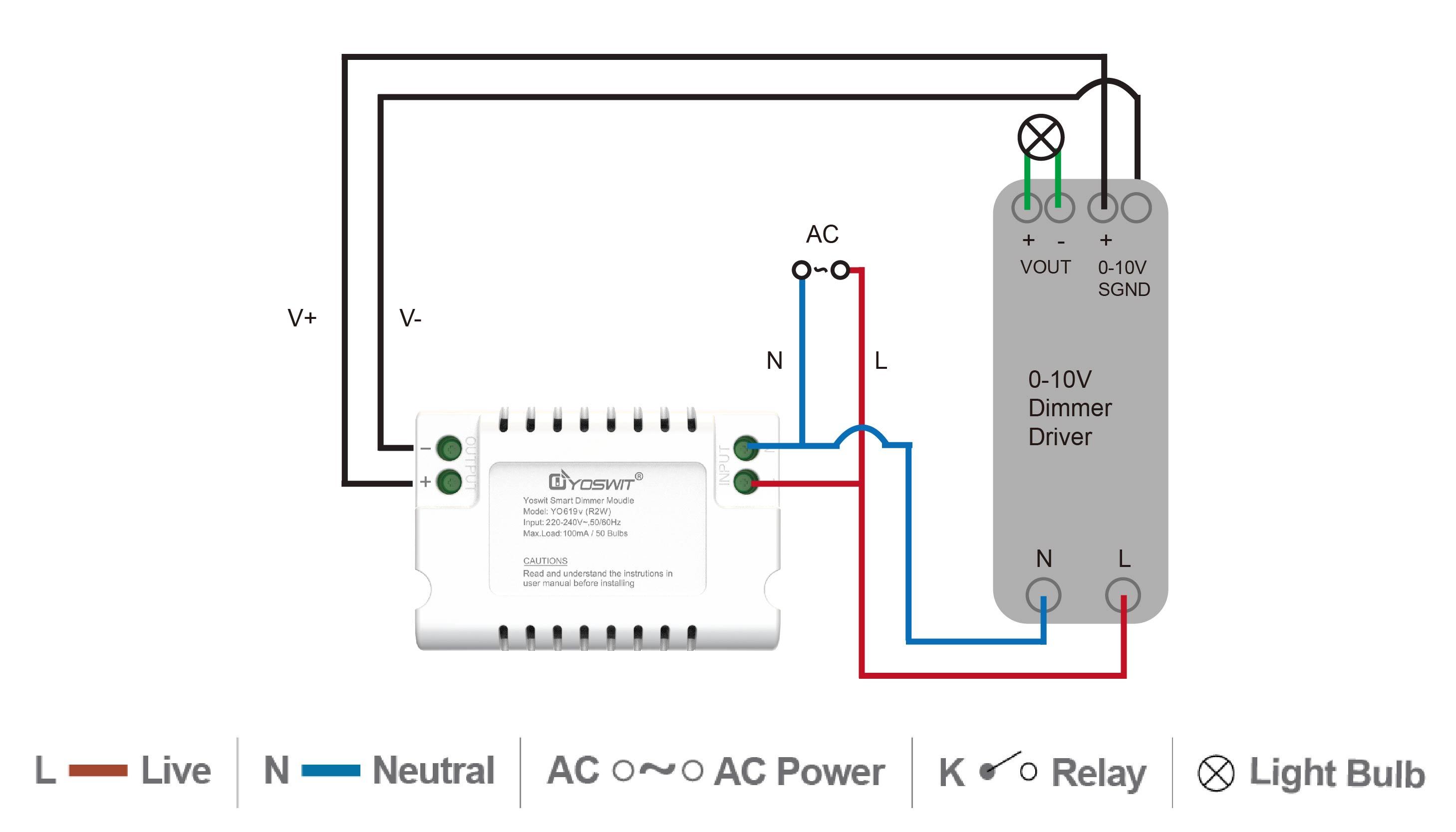
Remove the wiring compartment knockouts and install strain reliefs. With power turned off, route the input wires through a strain relief and connect the L wire to red and the N wire to blue. For all wire connections, use only UL-listed wire nuts and connectors of suitable size and type. The transformer case MUST be grounded in accordance with the N.E.C. Connect the ground wire to the transformer red wire.
Warning
To reduce the risk of electric shock, the unit shall be properly grounded in accordance with local regulations or codes. Failure to connect the ground wire will result in an unsafe installation that could lead to personal injury.
3
Bring the wires of the light fixture through the other open knockout and connect them to the transformer wires – positive to the red wire (+) and negative to blue wire (-).

Installation complete.
Download the Yoswit App to your smart device and enjoy it now!
Yoswit will automatically detect the switch and add it to your device list.
| Downloads | ||
| Certification | ||
| User Manual | ||
| Data Sheet | ||
| Leaflet | ||
| Yoswit App |
|
|
| Yoswit App (Android Apk) | ||